Vynix Blog
Practical writing on capturing feedback with context, diagnosing bugs, and handing work to AI coding agents.
Most feedback loses the one thing that makes it actionable: the context an engineer needs to reproduce and fix the problem. These articles focus on the practical side of that problem, from what to capture in a bug report to how to hand the work to an AI coding agent without a long back and forth.
If you build with AI agents like Copilot, Claude or Cursor, the quality of your input decides the quality of the output. We write about how to give those tools the element, the page state, the console and the network detail they need, and how Vynix captures that automatically so every report arrives ready to act on.
New posts are added regularly. Each one is written to be genuinely useful on its own, with concrete steps and real product examples rather than generic advice.

How to Write Bug Reports AI Agents Can Fix
Learn how to write bug reports with UI evidence, logs, repro steps, and clear prompts so AI coding agents can actually ship fixes.

How Vynix cuts the cost of running AI coding agents
See how Vynix gives AI coding agents precise bug context so they waste fewer runs, use shorter prompts, and cost less to operate.
The context an AI agent needs to fix front-end bugs
Learn what front-end bug context an AI coding agent needs: DOM element, screenshot, console logs, network calls, reproduction notes, and scope.

What a feedback layer is, and why AI teams need one
Learn what a feedback layer is, why AI coding workflows need one, and how Vynix turns website bugs into actionable developer context.
Turn a visual note into a GitHub issue in one step
Show how Vynix turns a clicked UI problem into a GitHub issue with screenshot, element data, logs, network context, and AI diagnosis.
How Vynix Captures Console and Network Detail
See how Vynix turns a clicked UI bug into useful console, network, screenshot, element, and AI diagnosis context for developers.
Using the Vynix MCP Server With Your AI Agent
Learn how to use Vynix context with an AI coding agent so bug reports include the element, screenshot, logs, and likely cause.
From a Reported Bug to a Merged Fix
See a practical workflow for taking a vague website bug report, capturing page context with Vynix, and turning it into a reviewed, merged fix.
Collecting Website Feedback From Clients and Teammates
A practical guide to collecting useful website feedback with screenshots, technical context, clear ownership, and fewer back-and-forth messages.

How Vynix Works, From a Click to a Fix
See how Vynix captures element, screenshot, console, network context, and AI diagnosis to turn website bugs into build-ready work.
Who Vynix is for, and what it fixes
See who should use Vynix, from founders to QA teams, and how it turns website bugs into useful developer context.
Point and click feedback on any web page
Use Vynix to click broken UI, capture page context, and turn feedback into a GitHub issue or coding-agent prompt.
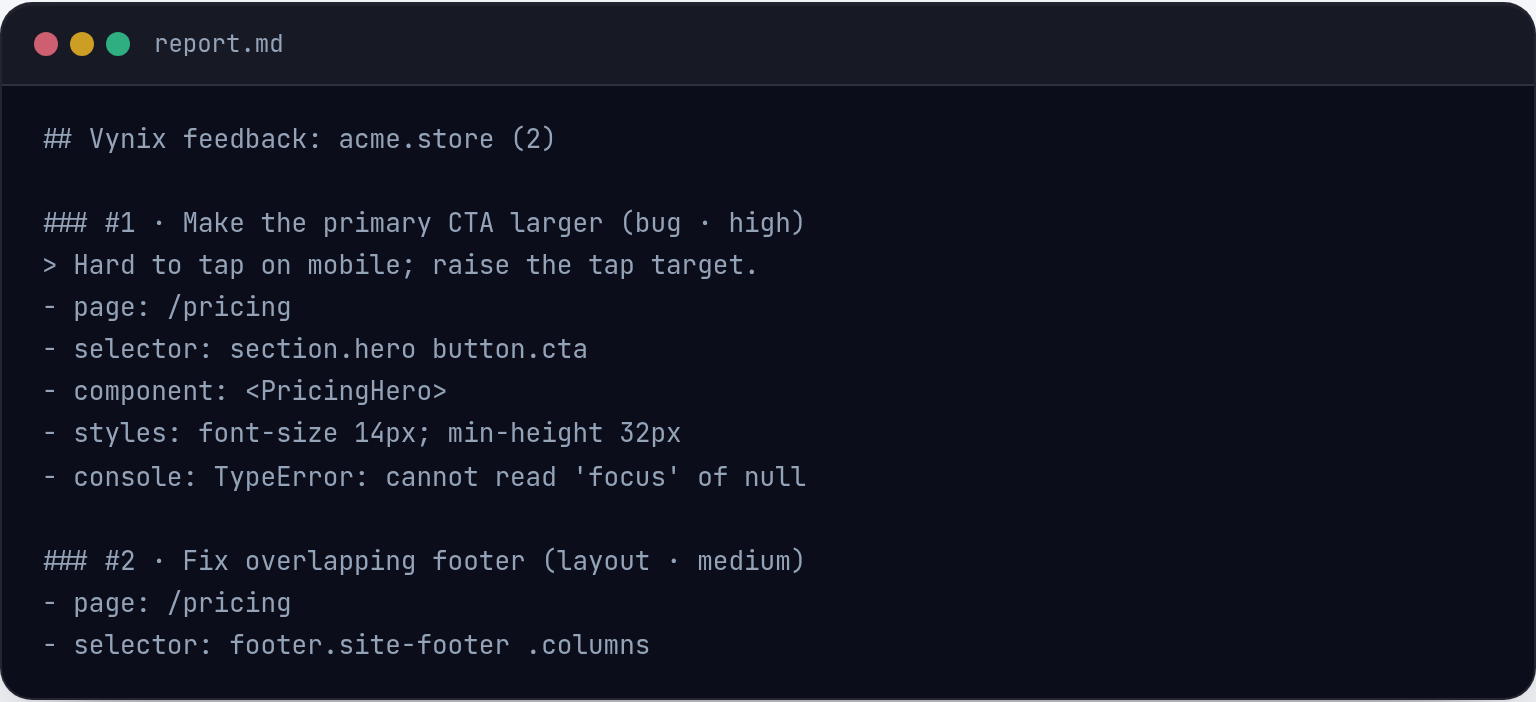
Reading the Vynix AI diagnosis and the files it finds
Learn how to read a Vynix AI diagnosis, check the evidence, and turn file hints into a clear fix plan or GitHub issue.
Review rounds: turn notes into a short fix list
Use Vynix to turn scattered website review comments into clear, contextual fixes developers and coding agents can act on.
Region and Element Screenshots in Vynix
Learn how Vynix uses region and element screenshots to turn visual bugs into clear developer context, prompts, and GitHub issues.
Projects, roles and sharing in Vynix
Learn how to organize Vynix projects, share annotated issues, and give developers the context they need to fix site bugs faster.

How to install Vynix on any website
Add Vynix to your site, verify the widget, and capture useful bug context from real pages without changing your workflow.
How to Connect GitHub and Hand Work to Copilot
Connect Vynix to GitHub, turn annotated website bugs into clear issues, and assign the right work to Copilot without losing context.
Vynix plans, and how to pick the right one
Compare Vynix plan types at a high level, from the free plan to paid options, and choose based on your debugging workflow.
What we are building next at Vynix
A practical look at Vynix's direction: deeper agent workflows, richer feedback context, broader integrations, and where to track shipped updates.
Common questions
Who is the Vynix blog for?
Front-end and full-stack engineers, QA and support teams, designers reviewing live sites, and founders shipping with AI coding agents.
How often is it updated?
New articles are published regularly as we learn more about what makes feedback fixable and how teams work with AI agents.
Install the widget with one script tag and capture your first report with full developer context.
Get started free