Session replay
Session replay is a technique for recording and reconstructing a user's interaction with a website or app, including clicks, scrolls, page changes, form interactions, console errors, and network activity. It helps product, support, and engineering teams understand what happened in the user's browser without requiring the user to describe every step.

What session replay means
Session replay tools capture enough client-side data to rebuild a user's experience after the fact. Instead of storing a literal video in most cases, they usually record DOM changes, user inputs, viewport size, timing, page navigation, and relevant browser events. The replay viewer then uses that data to show a timeline of what the user saw and did.
For developers, session replay is useful because it connects behavior to technical context. A replay might show that a user clicked a disabled button, hit a validation loop, saw a blank panel after an API failure, or abandoned checkout after a slow request. Good implementations also include console logs, JavaScript errors, network traces, device details, and release metadata.
Why it matters
Many bug reports are incomplete. A user may say, "the page is broken," but omit the browser version, account state, previous navigation path, or exact button they clicked. Session replay reduces that ambiguity by showing the sequence of events that led to the issue. This can cut down on back-and-forth between support, QA, and engineering.
Session replay is also valuable for product analytics. Teams can watch where users hesitate, where UI copy is unclear, and where flows break down. Unlike aggregate metrics, replay gives a concrete example of a user journey. That said, it should be used carefully. Teams should mask sensitive fields, avoid collecting passwords or payment data, and comply with privacy rules such as GDPR, CCPA, and internal security policies.
Common mistakes and examples
A common mistake is treating session replay as a replacement for observability. Replay shows behavior, but it does not always explain backend failures, queue delays, database errors, or third-party outages. It works best alongside logs, traces, metrics, feature flags, and error monitoring. Another mistake is recording too much. Capturing every field and every page without masking can create privacy risk and large storage costs.
For example, imagine a user reports that a settings page will not save. A session replay may show that the Save button was clicked three times, a request returned 403, the UI showed no error state, and the user refreshed the page. That is much more actionable than a generic complaint. The fix might be an authorization bug, but it might also be a missing toast message or a stale client state issue.
How it relates to feedback and fixing bugs
Session replay is strongest when tied directly to feedback and issue creation. If a user or tester can point to a problem and the team can inspect the surrounding browser context, developers can move from symptom to likely cause faster. This is especially important for frontend bugs that depend on layout, state, timing, extensions, or a specific API response.
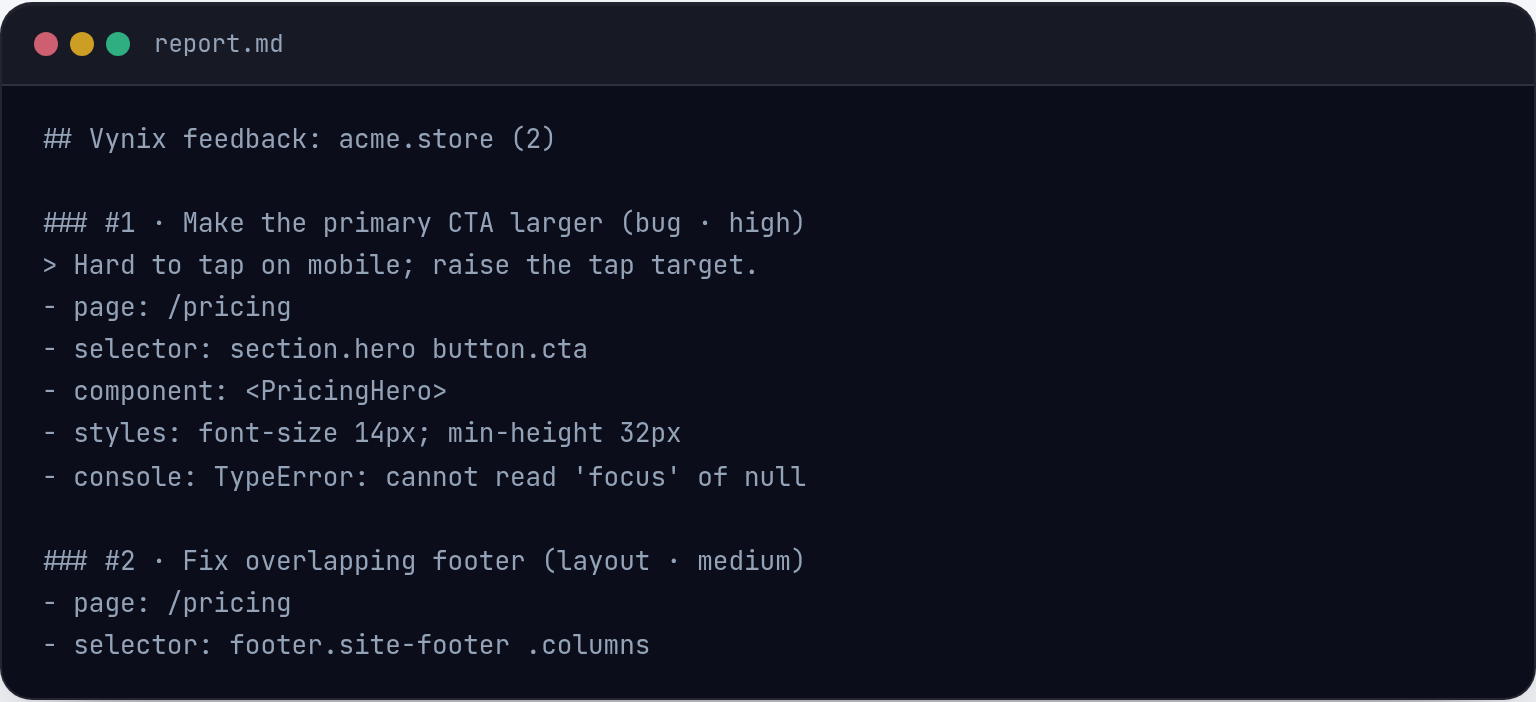
Vynix approaches this from the feedback side: its lightweight website widget lets someone click what is wrong, then captures the element, screenshot, console and network context, and an AI diagnosis of the likely root cause. While session replay shows the broader journey, tools like Vynix help turn a specific observed problem into developer-ready context, including a prompt or GitHub issue that can be assigned to a coding agent.

Frequently asked questions
Is session replay the same as screen recording?
Not usually. Many session replay products reconstruct the session from DOM changes, events, and metadata rather than storing a raw video. The result looks like a recording, but it is typically generated from structured browser data.
What data should be hidden in session replay?
Sensitive data such as passwords, payment details, authentication tokens, personal identifiers, private messages, and protected health or financial information should be masked or excluded. Teams should configure privacy controls before enabling replay in production.
Vynix captures the context that turns a vague report into a clear fix.
Try Vynix free