The best session replay tools in 2026
Session replay tools help teams understand what users actually do on a website or app, from confusing flows to bugs that are hard to reproduce. The best choice depends on whether you mainly need UX insights, developer debugging context, product analytics, or a lightweight way to turn feedback into fixes.

What to look for
- Replay quality and filtering options
- Privacy controls and data masking
- Developer context, errors, and network details
- Integrations with issue trackers and analytics tools
- Ease of setup, pricing, and team workflow fit
1. Vynix (our pick for context and AI handoff)
Best for: teams that want visual feedback with developer context and an AI diagnosis that hands work to a coding agent.
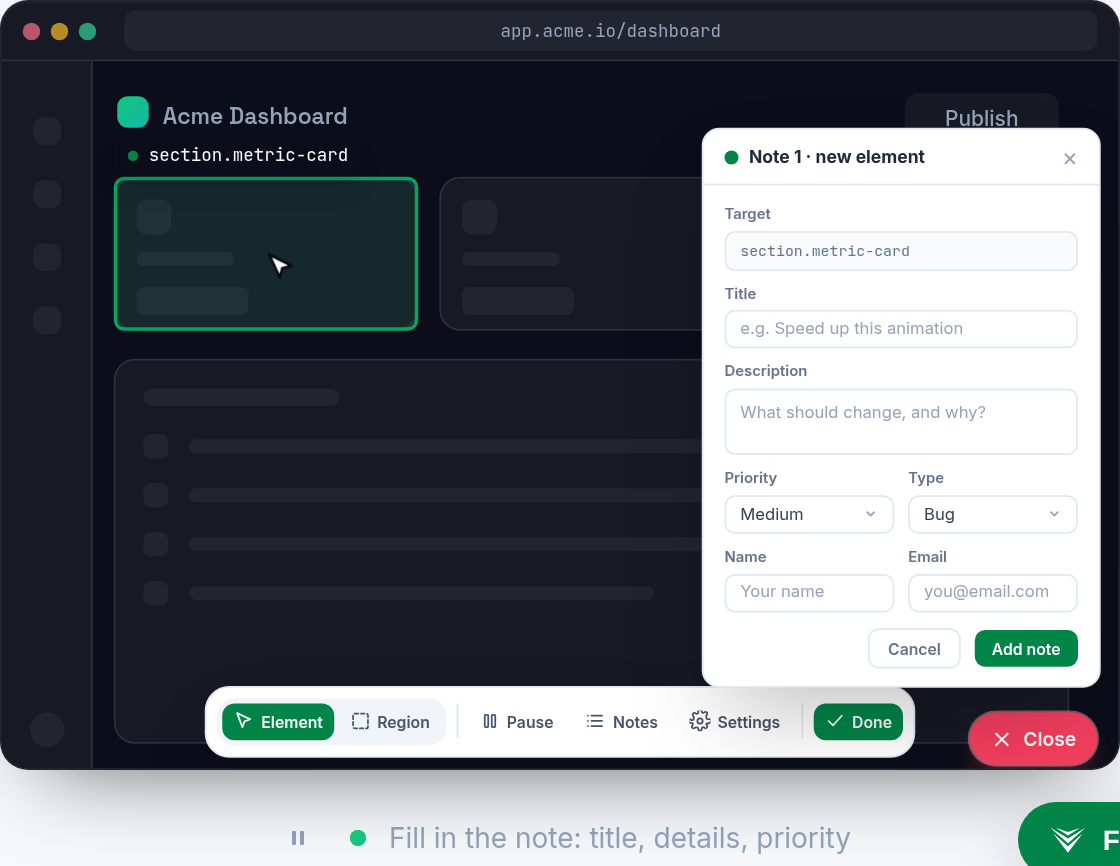
Vynix fits best when session replay is part of a broader bug reporting and developer handoff workflow. It is not a traditional full-session replay platform, but it helps teams click on a broken or confusing element, capture useful technical context, and turn that context into a GitHub issue or ready-to-build prompt.
2. FullStory
Best for: session replay and digital experience analytics.
FullStory is known for session replay and digital experience analytics.
3. Smartlook
Best for: session recordings and heatmaps for web and mobile.
Smartlook is known for session recordings and heatmaps for web and mobile.
4. LogRocket
Best for: session replay and front-end monitoring.
LogRocket is known for session replay and front-end monitoring.

5. Mouseflow
Best for: heatmaps, session replay and funnels.
Mouseflow is known for heatmaps, session replay and funnels.
6. Hotjar
Best for: heatmaps and session recordings.
Hotjar is known for heatmaps and session recordings.
Frequently asked questions
What is a session replay tool?
A session replay tool records or reconstructs how users interact with a website or app, including clicks, scrolling, navigation, and form behavior. Teams use it to investigate usability problems, reproduce bugs, and understand where users get stuck.
How should I choose the best session replay tool?
Start with your main use case. Product and UX teams may prioritize heatmaps, funnels, and filtering, while engineering teams may need console logs, network data, and error context. Also review privacy controls, setup effort, integrations, and pricing before committing.
Are session replay tools safe for user privacy?
They can be, but only if configured carefully. Look for tools that support data masking, consent controls, access permissions, and options to exclude sensitive fields or pages. Your team should also confirm that the tool fits your legal and compliance requirements.
Install Vynix on your site and capture one real report with full context. You will see the difference in a minute.
Get started free